A few quarters ago, I sat in a war room with an operations lead who looked like he had been living on coffee and dashboards. Overnight queues were spiking, handle time was drifting up, and the client wanted “automation” by next month. He didn’t need another slide deck. He needed a way to stop work from leaking between systems like water through cracked tiles.
That’s why the current wave of BPO AI feels different. It’s less about fancy demos and more about turning messy, real-world workflows into something stable, trackable, and scalable. In many markets, BPO teams are already moving in this direction. In the Philippines alone, a BSP newsletter notes the IT-BPM workforce at 1.8 million in 2024 (with 1.6 million in contact center and business process services) and cites an IBPAP survey where 67% of member firms had incorporated AI tools into operations.
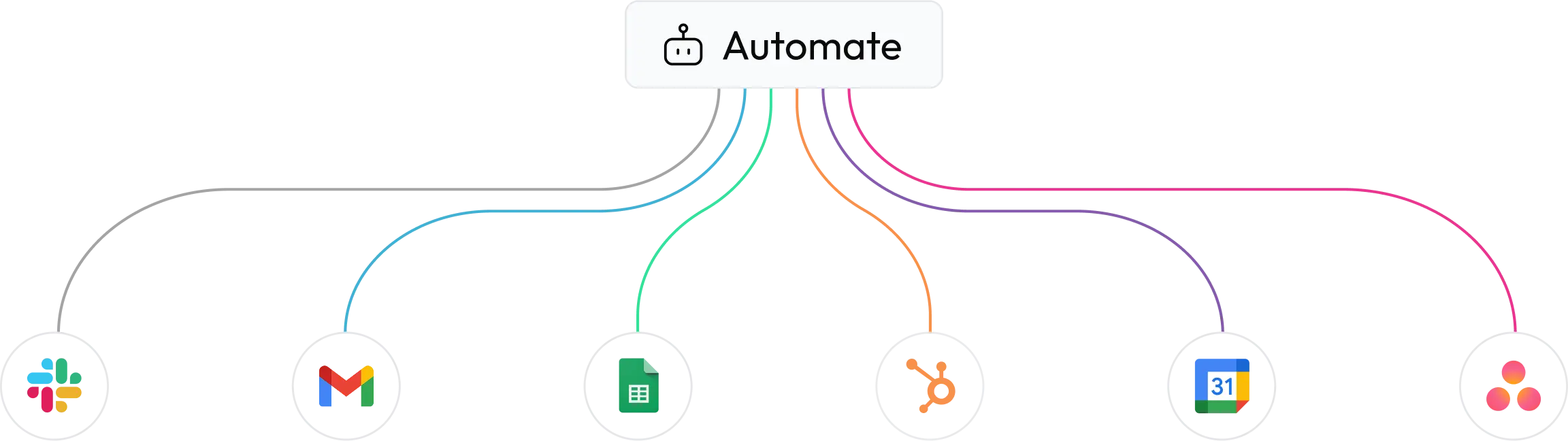
The fastest wins happen when automation stops acting like a bolt-on and starts acting like a conductor. Instead of people copy-pasting between CRM, ticketing, spreadsheets, and email, PopAI positions automation as a connected layer that routes work, triggers actions, and surfaces insights across the workflow.
In practical terms, think of your operation like an airport. Planes (cases) arrive constantly, gates (agents/teams) are limited, and small delays ripple across the whole system. When work is manually triaged and reassigned, it’s like waving planes in by flashlight. A platform-driven approach gives you the tower view and the levers.
Here are workflow areas where BPO AI often shows immediate impact:
Those are the “what.” The “why” is steadier delivery: fewer handoffs, fewer misses, and fewer “we’ll fix it in the next shift” notes that compound like debt.
A lot of automation in BPO started as macros and scripts: helpful, but brittle. Next-gen automation combines workflow orchestration with models that can read, summarize, classify, and draft. That mix matters because BPO work is rarely one shape. It’s exception-heavy, full of edge cases, and often sits on top of legacy tools.
What separates modern platforms from scattered tools is orchestration. Instead of a chatbot here and an RPA bot there, you get a system that can coordinate steps end-to-end, log what happened, and make outcomes visible. McKinsey’s 2025 “State of AI” points to expanding use of AI and growing interest in agentic approaches, while also describing how many organizations still struggle to move from pilots to scaled value.
That gap is where BPOs can win. You already live in process discipline: SLAs, QA rubrics, escalations, root-cause analysis. When you connect those habits to modern automation tech, you get BPO AI that’s measurable, not mystical.
Efficiency gains don’t come from “doing everything with AI.” They come from shaving friction at the exact moments where time and errors pile up: searching, summarizing, rekeying, validating, and reworking.
One way to spot high-return targets is to map a typical case and circle every step where someone:
Those steps feel small, but they stack up across thousands of tickets.
A simple efficiency playbook many BPO leaders use:
You can still keep the human tone clients expect. Efficiency here isn’t cold. It’s what lets agents spend more time solving and less time searching.
When leaders say, “We want AI,” they often mean, “We want fewer surprises.” The best BPO AI setups turn operations into a calmer system: clearer priorities, fewer escalations, and faster recovery when volume spikes.
This is also where the AI Agent concept gets practical. Not as a sci-fi replacement, but as a helper that can do repeatable micro-tasks inside a workflow: summarize the last three interactions, pull policy snippets, draft a response, suggest a next step, or create the follow-up tasks that keep SLAs intact.
Two streamlining ideas that work across voice and back office:
When this is set up well, frontline teams feel it immediately. The day has fewer “Where is this at?” pings, fewer blind escalations, and fewer reopenings that wreck your QA score.
Cost reduction in BPO is often discussed like a blunt instrument: cut minutes, cut headcount, cut vendors. In reality, the most durable savings come from waste removal: rework, idle time, duplicated effort, and avoidable escalations.
Start with a cost lens that’s specific:
Then tie automation to those costs, not just to speed. The BSP newsletter highlights how AI tools, RPA, and analytics are already being used in IT-BPM to automate repetitive tasks and support faster service delivery.
This is also where the secondary keyword fits naturally: AI BPO and PopAI shows up as a pairing when BPOs want a platform approach that supports both speed and governance, instead of stacking disconnected tools that each solve only one step.
Workflow management is where BPO AI becomes visible to leadership. Not as “we used a model,” but as “we improved outcomes.” The best setups treat workflows like living systems: monitored, tuned, and continuously improved.
A practical operating model is to run weekly “workflow health” reviews with a tight agenda:
From there, tighten the loop between QA and automation. If QA sees the same miss 30 times, don’t just coach 30 people. Add a workflow guardrail, a template, or a routing rule so the miss stops happening at the source.
The trend line is moving from single-task automation to coordinated systems. Leaders want fewer tools, clearer reporting, and more confidence that automation is behaving inside policy.
Trends showing up across BPO environments:
One trend worth calling out is fraud pressure in voice channels. Reporting has highlighted growing concern around AI-enabled voice fraud targeting contact centers, pushing teams to strengthen authentication and risk signals without wrecking customer experience.
That reality changes the “why” behind BPO AI. It’s not only about speed. It’s also about safer operations.
The hard parts are rarely the models. The hard parts are the seams: messy data, inconsistent SOPs, and teams that don’t trust automation because it failed once and left a mess behind.
A good way to reduce risk is to build guardrails before you scale. Start with workflows where the downside of a mistake is low, then expand into higher-stakes queues after you’ve proven reliability and built confidence.
Common blockers and practical fixes:
If you treat adoption like a product rollout (with feedback, iteration, and simple training), BPO AI becomes a capability your team owns, not a project that sits on a shelf after launch.
Meta Title: Pop AI For BPO AI: Faster Workflows, Lower Cost, Better QA
Meta Description: Learn how BPO AI with Pop AI speeds routing, cuts rework, improves QA, and adds guardrails for safer, smarter BPO operations.
BPO AI usually means using AI to reduce manual effort inside customer support or back-office workflows. In practice, that looks like auto-triage, summarization, drafting responses, routing cases by risk, and creating follow-up tasks without extra clicks. The best BPO AI setups also track what the automation did, so QA and leadership can review outcomes and refine rules over time.
Pick a workflow with high volume, clear inputs, and repeatable steps. Many teams start with intake triage, post-call summaries, or back-office validation because results show up quickly in AHT, rework rate, and SLA stability. Avoid high-stakes exceptions first. A smart BPO AI rollout proves reliability on one queue, then expands once the team trusts the system.
Most BPO leaders use BPO AI to augment teams, not erase them. AI can handle micro-tasks like summarizing, searching policies, or drafting, while people handle judgment, empathy, and exceptions. Over time, roles can shift toward higher-skill work: QA coaching, workflow tuning, client consulting, and automation supervision. The bigger win is often capacity growth without matching headcount growth.
AHT is only one slice. Strong BPO AI measurement also tracks rework rate, escalations, QA compliance, first-contact resolution, training time to proficiency, and cost of poor quality (refunds, credits, penalties). Tie each automation to one or two KPIs and review weekly. If a workflow improves speed but increases reopens, it’s not a win, it’s borrowed time.
The biggest risks are bad inputs, unclear SOPs, and weak governance. If the workflow rules are fuzzy, AI will amplify the fuzz. Also watch security and privacy, especially in regulated verticals. Set role-based access, keep logs of automated actions, and use approvals for higher-risk steps. A careful rollout builds trust and keeps client confidence steady while automation expands.